Image Requirements for Amazon, Flipkart, Myntra and Shopify
In short
- Every major marketplace requires a pure white background on the primary image.
- The product should fill about 85% of the primary image frame.
- Amazon requires at least 1000px on the longest side for zoom to activate; 1600px+ is the practical standard.
- Lifestyle and generated imagery belong in secondary slots, never the primary listing image.
Marketplace image rules are enforced inconsistently, which is worse than strict enforcement — a non-compliant listing often is not rejected, it just quietly stops ranking. Here is what each platform actually wants.
The rules common to all of them
- Primary image: pure white background. RGB 255,255,255, not "nearly white".
- Product fills roughly 85% of the frame. Too much margin reads as a small product; too little gets cropped in thumbnails.
- No text, watermarks, logos or badges on the primary image. No "SALE", no borders, no brand stamps.
- No props on the primary image unless they are part of what ships.
- Square aspect ratio is the safest default for the primary slot.
Platform specifics
| Platform | Minimum | Recommended | Notes |
|---|---|---|---|
| Amazon India | 1000px longest side | 1600–2000px square | Zoom needs 1000px+; up to 9 images |
| Flipkart | 500×500 | 1500×1500 | Stricter on white background compliance |
| Myntra | 1080×1440 | 1500×2000 (3:4) | Vertical, on-model expected for apparel |
| Shopify | None enforced | 2048×2048 | Your rules; keep them consistent |
| Meta / Instagram Shop | 500×500 | 1080×1080 | Lifestyle imagery permitted and preferred |
Myntra is the outlier worth noting: it is vertical-first and expects apparel on a model rather than flat. Brands that submit the same square catalogue set everywhere underperform badly there.
The slots most brands waste
Amazon gives you up to nine images. Most listings use three. The remaining six are the highest-leverage unused space in Indian e-commerce, and each should answer a specific objection:
- Primary — clean white, product only
- Scale — the product in hand or worn, so size is unambiguous
- Detail — texture, finish, clasp, stitching
- In context — the lifestyle frame
- What's in the box — everything that ships, laid out
- Dimensions — an annotated diagram
- Material or care information
- Comparison across your own range
- Brand or trust frame
Returns in apparel and jewellery are overwhelmingly driven by two mismatches: size and colour. Images two and three exist specifically to prevent them, and they pay for themselves in reduced returns before they do anything for conversion.
A note on generated imagery
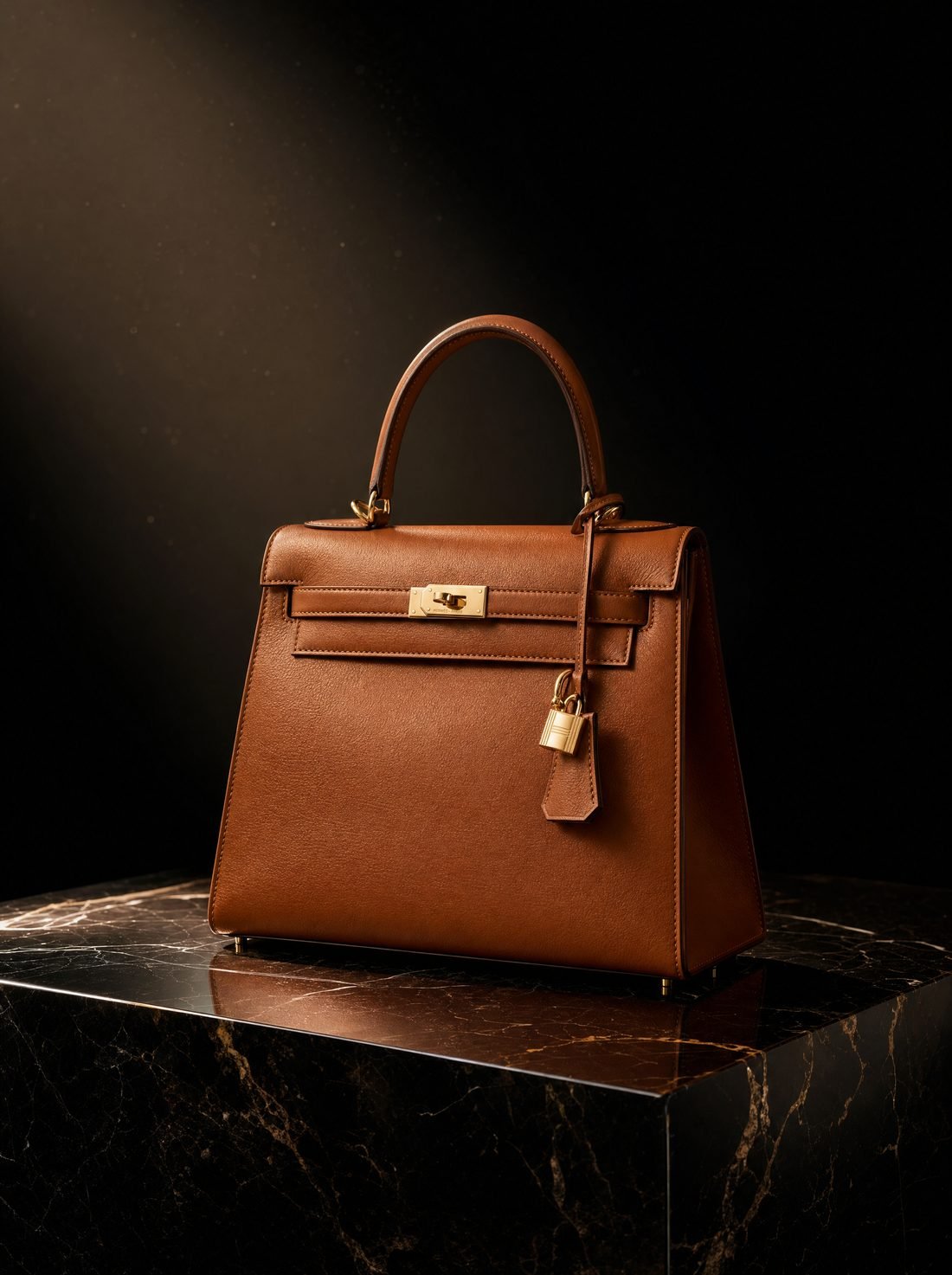
Keep it out of the primary slot. Put it everywhere else. The context, lifestyle and mood frames — slots four onwards — are exactly where generated imagery is both permitted and dramatically cheaper than organising a shoot, and they are the slots that currently sit empty on most Indian listings.
Why non-compliant images fail quietly
This is the part that catches brands out. Marketplaces rarely reject a slightly non-compliant image outright. Instead the listing becomes ineligible for certain placements, loses the zoom function, or is excluded from recommendation surfaces. Nothing tells you this has happened. You simply see weaker performance than a competitor with an apparently similar listing.
The most common silent failures are an off-white background that looks white on screen but is not RGB 255,255,255, an image under 1000px that disables zoom, and a primary image with a subtle drop shadow that counts as an added element.
Preparing one set for every destination
Rather than producing separate sets per platform, produce one high-resolution master per frame and export a defined ladder from it:
| Export | Ratio | Size | Used for |
|---|---|---|---|
| Marketplace primary | 1:1 | 2000×2000 | Amazon, Flipkart, Shopify |
| Apparel vertical | 3:4 | 1500×2000 | Myntra, Ajio |
| Feed | 4:5 | 1080×1350 | Instagram, Facebook |
| Story / Reel | 9:16 | 1080×1920 | Reels, Shorts, Stories |
| Site hero | 16:9 | 2400×1350 | Homepage, banners |
Compose the master with enough margin that all five crops work. This is a framing decision made at capture time, not a cropping decision made afterwards — which is why telling your studio where the images will run genuinely changes the output.
File format and weight
Use JPEG at quality 80–85 for marketplace uploads; most platforms re-compress anyway, so uploading enormous files gains nothing. On your own site, WebP or AVIF will cut page weight substantially, which matters for Core Web Vitals and therefore for search ranking. Keep a lossless master archived separately from what you publish.
Alt text, which is also an image requirement
Every image on your own site needs descriptive alt text — it is an accessibility obligation, it helps image search, and it is one of the signals AI systems use to understand what a page depicts. Describe the product and its context factually: "rose gold pearl drop earrings on linen" rather than "beautiful earrings" or a keyword list.
Frequently asked
What size should product images be for Amazon India?
At least 1000 pixels on the longest side for the zoom function to work, though 1600–2000px is the practical standard. The primary image needs a pure white background (RGB 255,255,255) and the product should occupy roughly 85% of the frame.
Can I use AI-generated images on marketplace listings?
Use real photographs of the actual item for the primary image, because marketplaces expect it to represent what ships. Generated lifestyle and context images are appropriate for the secondary slots, where most brands currently waste the opportunity.
How many images should a listing have?
Use every slot the platform gives you. Listings with six or more images consistently outperform those with two or three, because each additional image answers an objection that would otherwise become an abandoned cart or a return.
Want Visuals Like This for Your Brand?
Send us 1 photo of your product on WhatsApp and see a campaign-grade editorial sample transformed for free within 24 hours.
Book a Free Sample